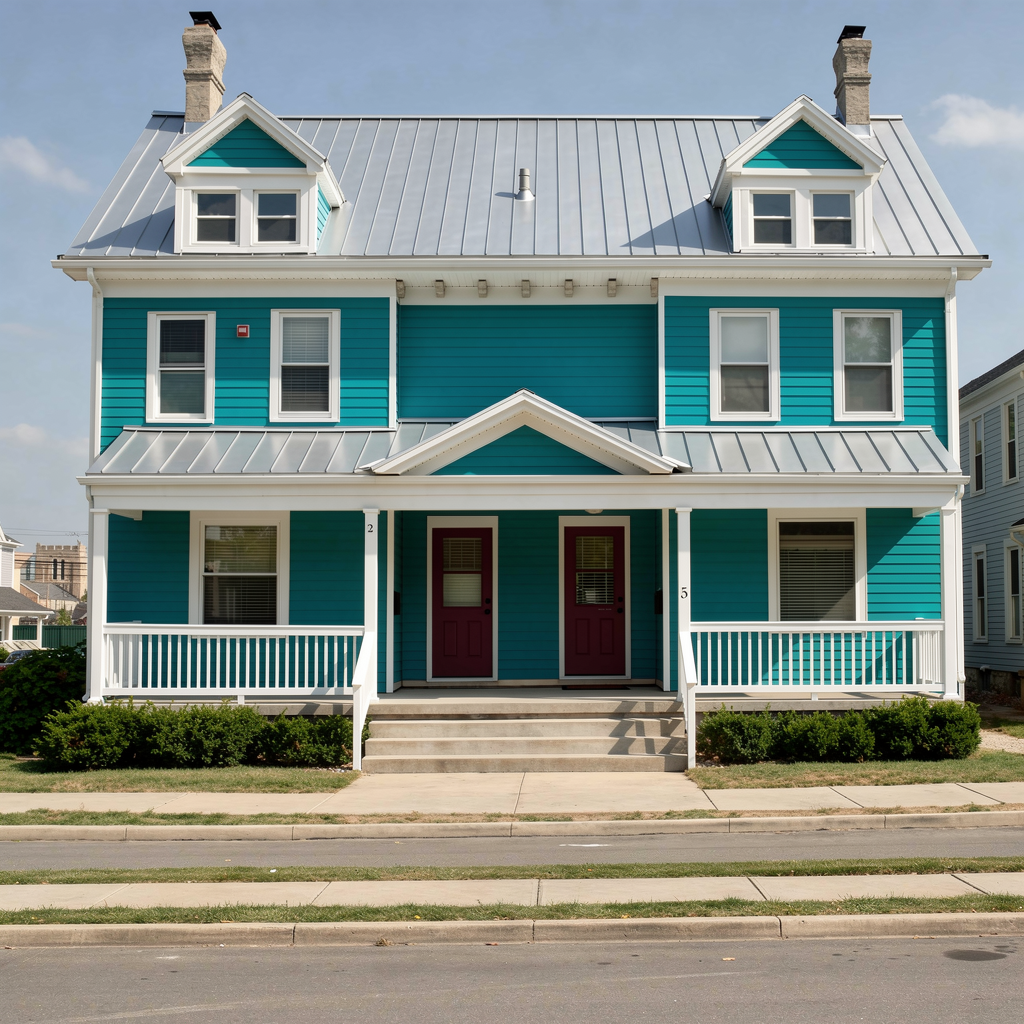
Facade AI by RenoTrend

See Exterior Changes on Your House
Before You Remodel

Upload a photo of your home and preview new siding, colors, doors, windows, materials, or a complete exterior remodel before you commit to the work.

Try It on My House See How It Works

2 free full generations  ·  No credit card required  ·  Concept visualization before construction

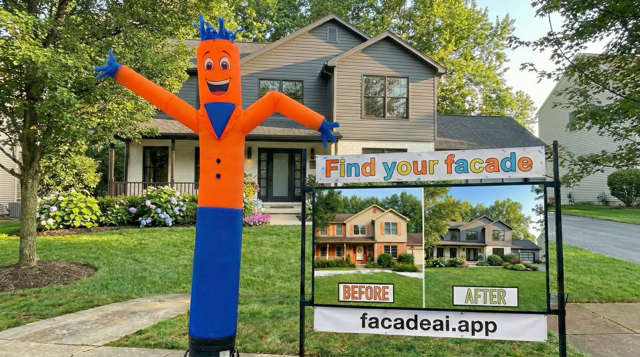
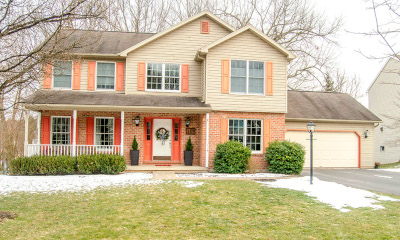
Original house exterior before AI facade redesign BEFORE
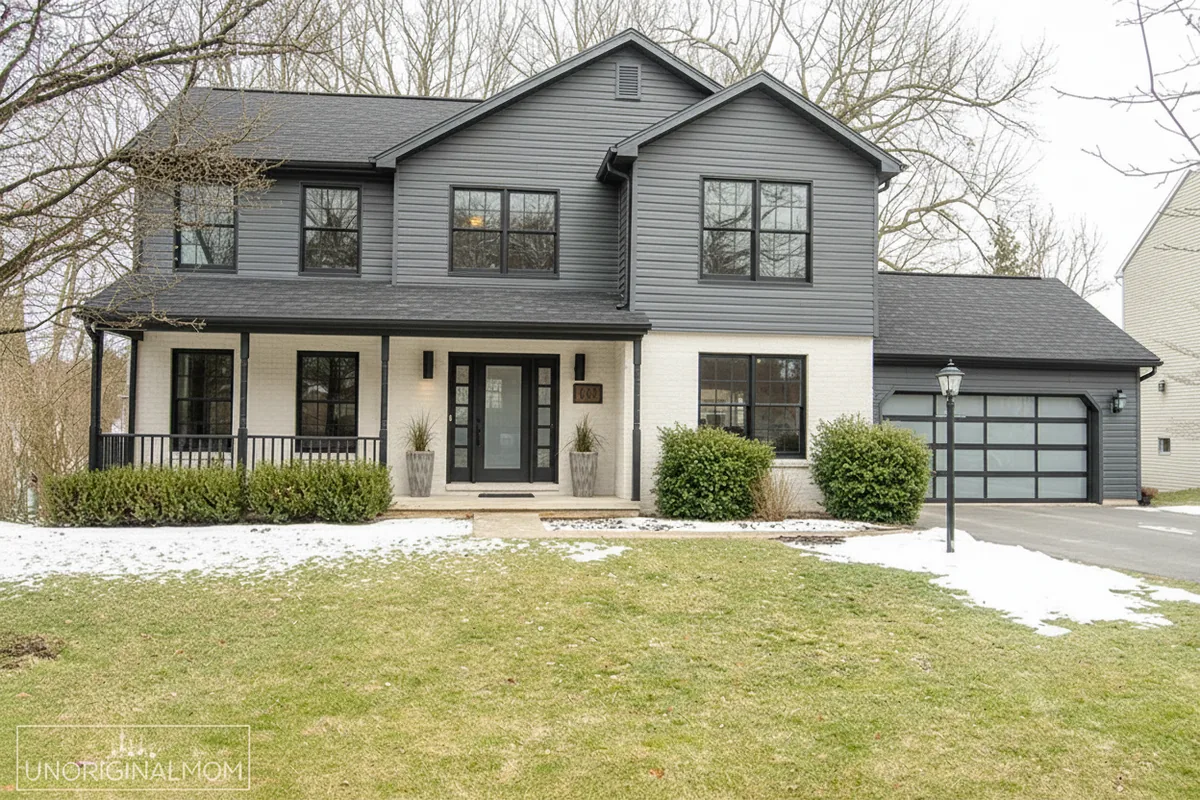
House exterior after AI facade redesign - contemporary style AFTER

Planning a Home Remodel or Presenting to a Client?

Explore ideas for your own exterior remodeling project, or use a branded workspace to make options visible during a professional sales conversation.

Personal

See Ideas on Your Own House

Compare exterior remodeling directions before choosing products or hiring for the work.

Start with 2 free full generations
  • ✓ Preview siding, colors, doors, windows, and materials
  • ✓ Buy credits only when you need more generations
  • ✓ Ideal for one-off or occasional projects
Try It on My House
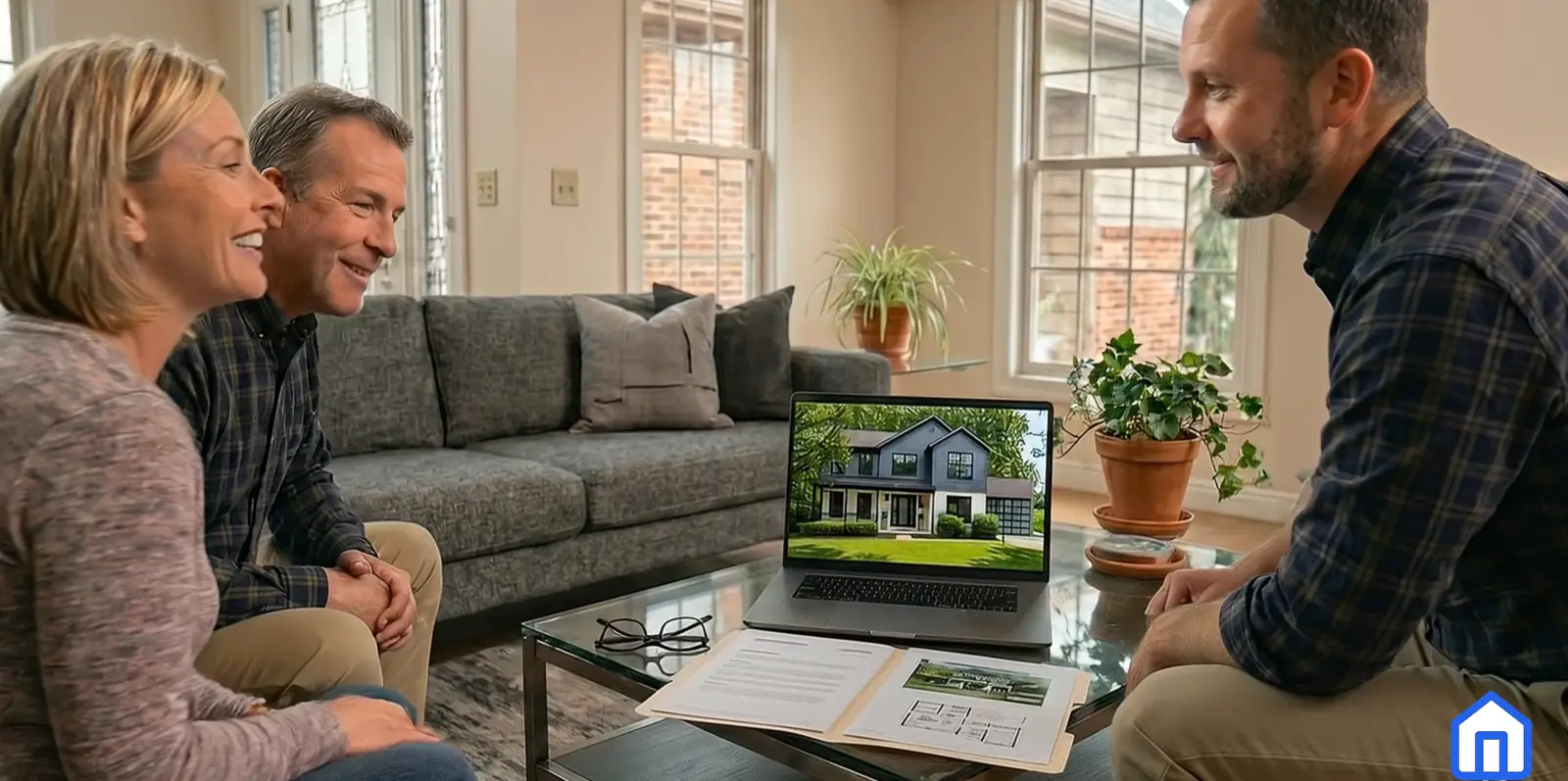
Homeowner reviewing a personal facade design result
Business

For Renovation Professionals

Use Facade AI as a branded client presentation workspace for your sales team.

Plans from $79/month
  • ✓ Branded company experience and organization gallery
  • ✓ Team access with monthly included credits
  • ✓ Built for client-ready presentations and faster sales cycles
See an example Open Business Subscriptions

After checkout, you’ll be sent to Business setup to enter your organization information.

Facade AI business organization board video thumbnail
Your Photo
A Real Starting Point
Focused
Selected Changes
Multiple
Ideas to Compare
Clearer
Next Decisions

From “What If?” to Something You Can See

You do not need design software or architectural vocabulary. Start with a photo and one change you want to explore.

1

Upload Your House Photo

Use a clear, straight-on photo of the exterior you want to update.

  • A phone photo is enough to start
  • Even daylight produces clearer comparisons
  • Keep the area you want to change visible
2

Choose What to Change

Select the area and describe the new color, material, product, or style.

  • Try siding, paint, doors, windows, or masonry
  • Add color samples or reference images
  • Refine one decision at a time
3

Compare Before You Commit

Review the original and generated concepts together, then keep the directions worth discussing.

  • Create before-and-after comparisons
  • Save useful variations with your project
  • Share visual intent with a renovation professional

Make the Exterior Changes You Are Considering Visible

Use one photo of your home to compare ideas in context and explain the direction more clearly.

🤖

Keep Your House Recognizable

Begin with your real exterior so ideas stay connected to the home, roofline, and surroundings you already have.

💬

Change One Area at a Time

Focus on the siding, entrance, windows, garage door, or another selected area instead of changing everything.

🎨

Try Exterior Colors

Compare siding, trim, masonry, door, and window-frame colors on the whole house before choosing a palette.

🖼️

Use Materials You Like

Add a product, texture, color sample, or inspiration image to communicate the look you want more clearly.

💡

Find a Direction

Explore exterior styles when you know the house needs a change but you are not yet sure what to choose.

Compare Several Ideas

Create controlled variations instead of trying to imagine the finished renovation from small samples.

🔒

Save the Strongest Options

Keep useful concepts with the project so you can revisit them before making a costly decision.

🔄

Explain It to a Professional

Bring a clearer visual direction into conversations with your designer, contractor, or renovation supplier.

Why Seeing the Idea Changes the Conversation

Beta feedback

"Seeing several facade directions from one photo helped me compare ideas before starting real renovation conversations."

SM
Early Beta User
Homeowner
Beta feedback

"The business workflow is shaping into a practical way to show visual options faster during client discussions."

MR
Beta Advisor
Renovation Professional
Beta feedback

"The beta is useful for quick concept exploration, especially when clients need to understand color and material changes visually."

JC
Design Tester
Architecture Workflow

Frequently Asked Questions

Is Facade AI free to use?

Yes. You get 2 free full generations to start — no credit card required. Each full image generation costs 1 credit, so your 2 starter credits create 2 complete AI redesigns. Credits can be purchased to continue generating designs beyond the free tier.

Can I preview exterior changes on a photo of my house?

Yes. FacadeAI starts with your real house photo and creates AI-generated concepts for siding, colors, doors, windows, materials, or a broader exterior update.

Do I need design experience?

No. Upload a clear photo, select what you want to change, and describe the result in everyday language—for example, “dark gray siding with black window frames.” No CAD skills are required.

What types of buildings does Facade AI support?

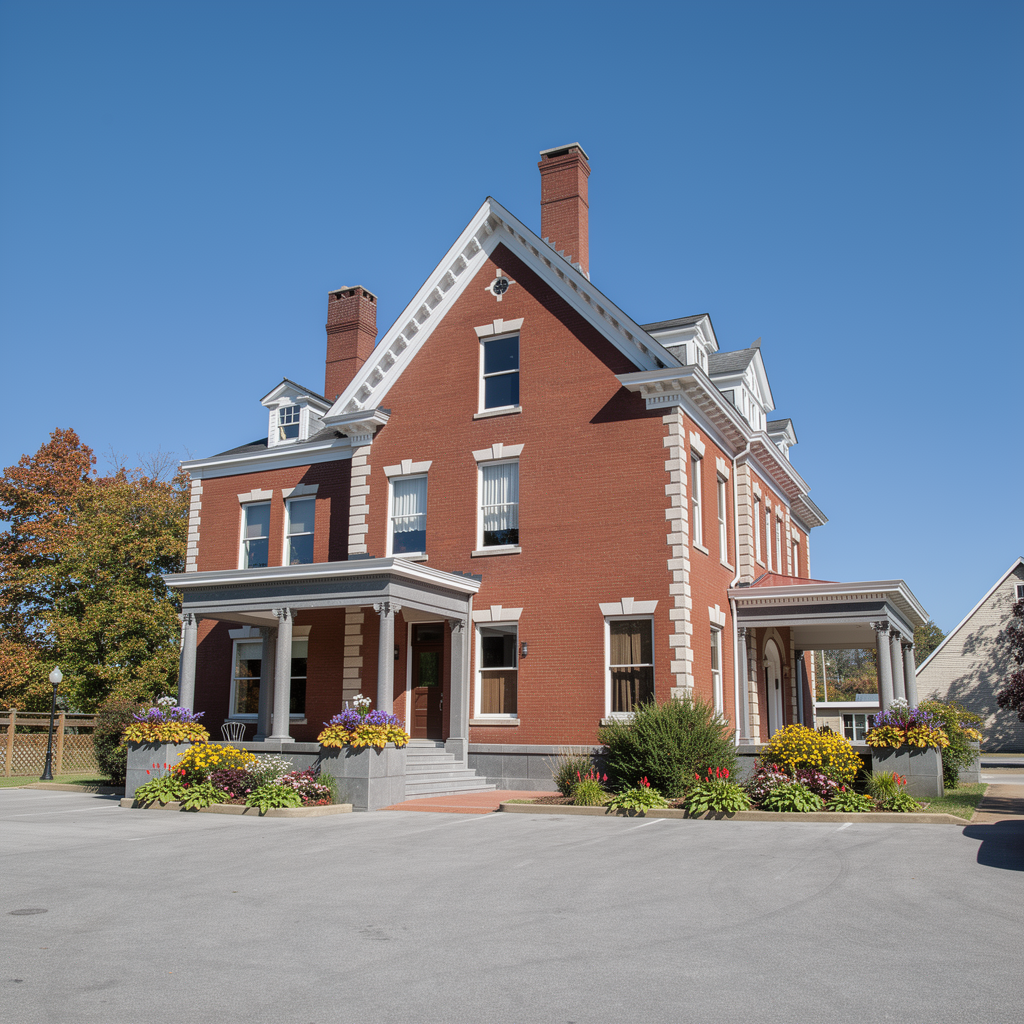
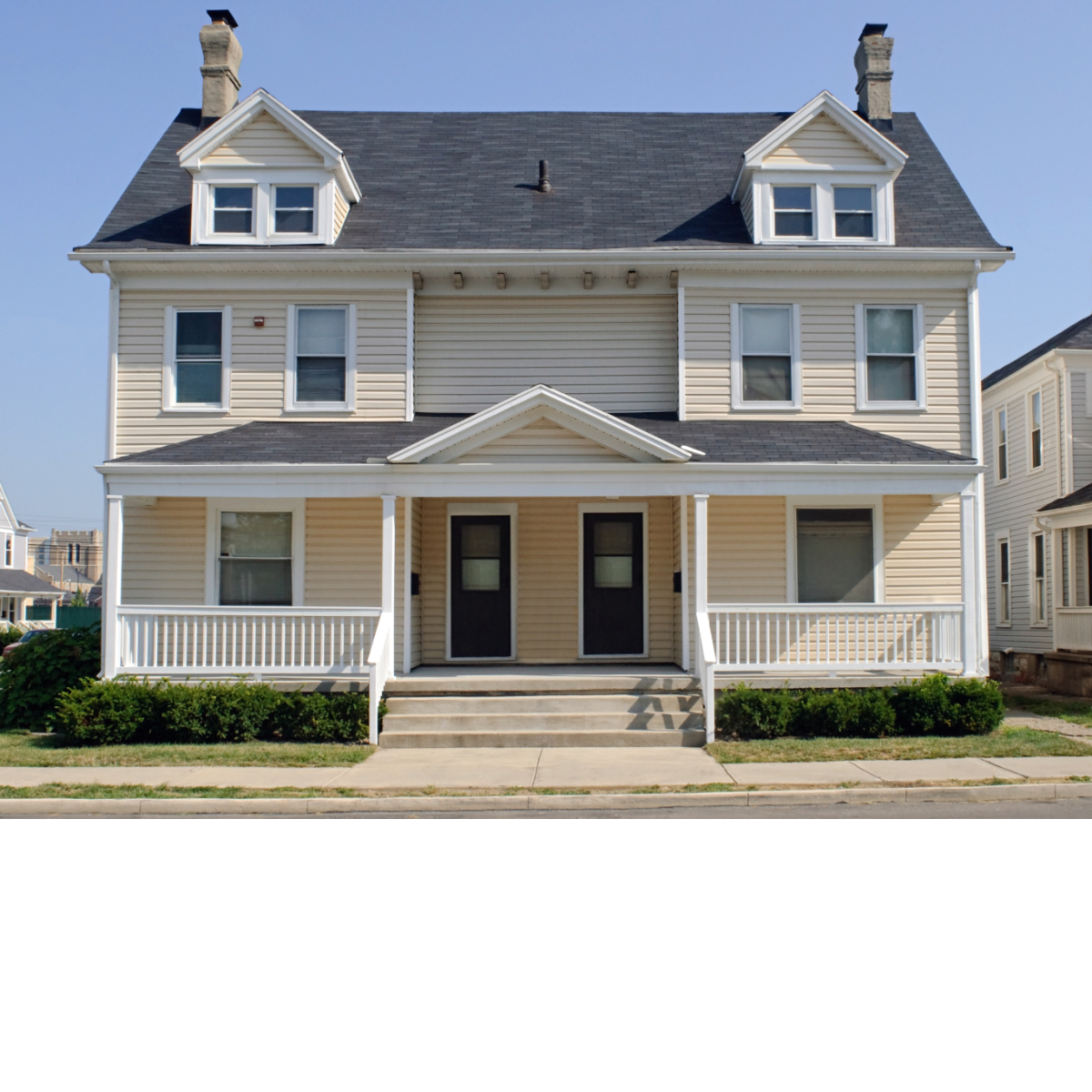
FacadeAI can create concepts for houses, duplexes, apartments, and commercial buildings when the exterior is clearly visible in the uploaded photo.

How is Facade AI different from other home design apps?

FacadeAI starts from your actual photo and lets you focus changes on selected areas. The result stays connected to your real building instead of a generic house model.

How many designs do the free credits create?

You get 2 free full generations to start. Each full image generation costs 1 credit, so the 2 starter credits create 2 complete AI exterior redesigns.

What should I compare when choosing an AI facade generator?

Look for a real-photo workflow, clear credit value, realistic material handling, and honest output expectations. Facade AI is built for visual renovation concepts, not construction drawings or permit documents.

Can I use the generated images with my contractor?

Yes. You can download high-resolution images and share them directly with architects, contractors, or planning services to communicate your design intent.
See the Change Before You Do the Work

Start with a photo of your home, explore the exterior update you have in mind, and bring a clearer idea into your renovation decisions.

Try It on My House Open Business Subscriptions