Modern facade updates
Try black windows, smooth render, warm wood accents, new siding, updated doors, or clean contemporary color palettes.
Facade AI is an AI facade generator for quickly visualizing exterior renovation ideas. Upload a photo, describe the change, and create realistic before-and-after facade concepts for planning, quotes, or inspiration.
A good facade generator should not force you to start from a blank template. Facade AI begins with the real building image, then generates design options that respect the original structure. That makes it useful for homeowners deciding what to renovate and professionals who need quick visual options for a client conversation.
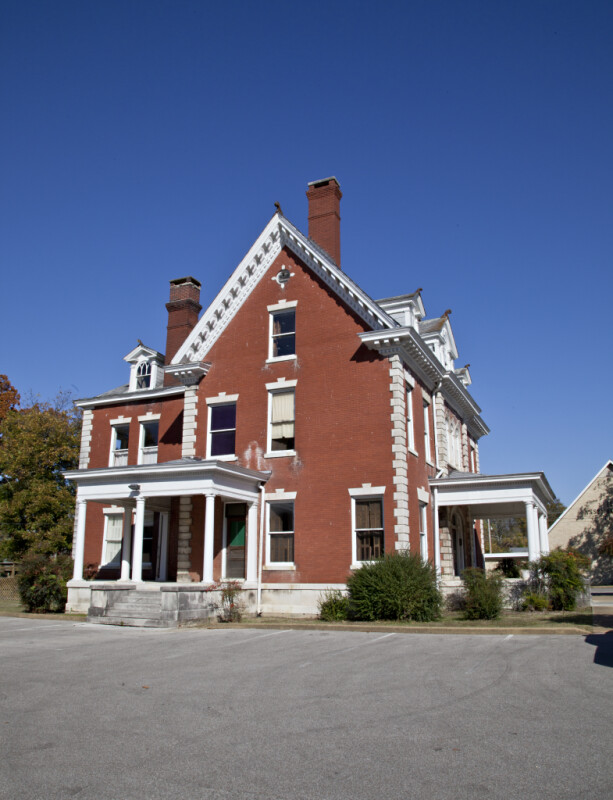
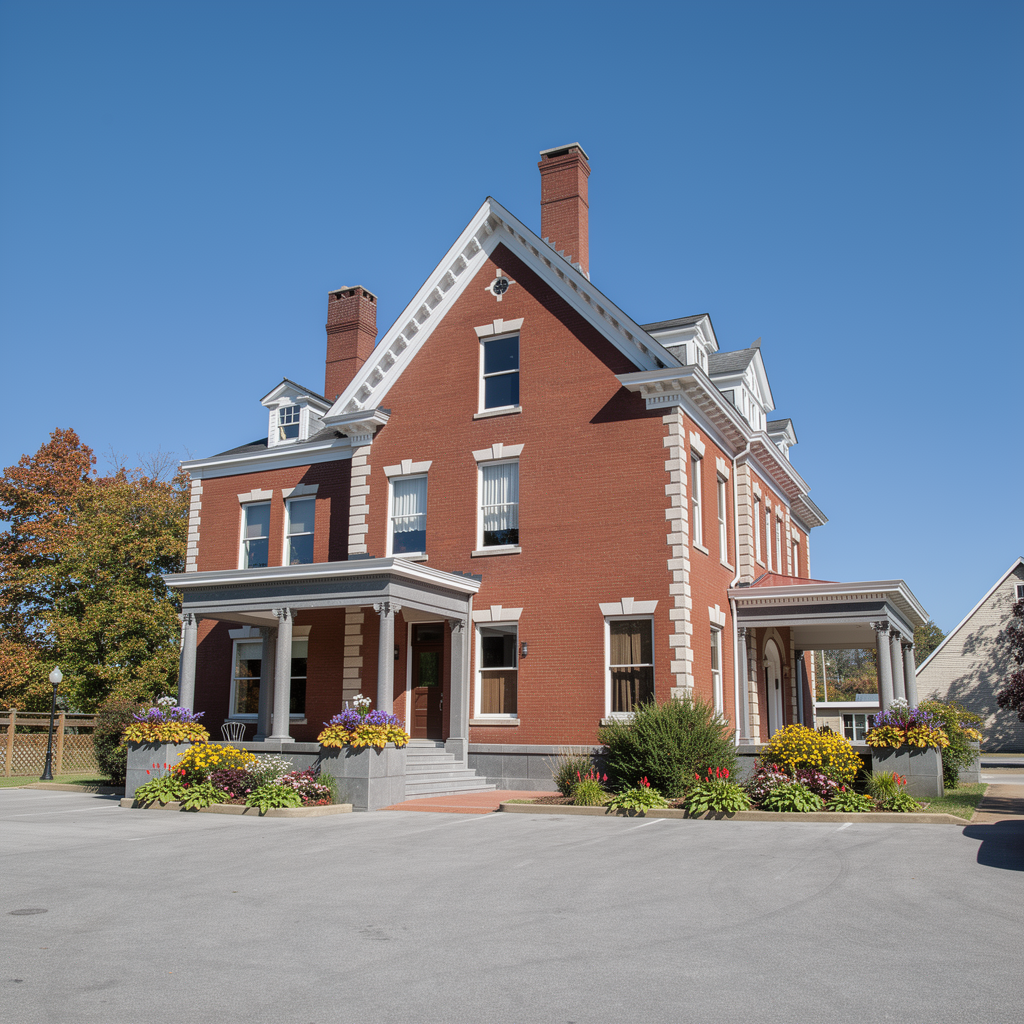
Try black windows, smooth render, warm wood accents, new siding, updated doors, or clean contemporary color palettes.
Preview paint, brick, stone, stucco, metal, trim, garage doors, shutters, and other exterior material combinations.
Create visuals that are easy to share with family, contractors, architects, sales teams, or renovation clients.
Prompts can be simple. For example: modern white stucco facade with black windows and natural wood entry door, or restore the brick, add warm exterior lighting, and make the trim dark charcoal.
Many AI facade tools advertise credits, styles, or fast renders. The important question is what you actually receive. Facade AI keeps the offer direct: you start with 2 free full generations, and 1 credit creates 1 complete AI exterior redesign.
Choose a tool that starts from your actual building photo, not only generic text-to-image prompts or template scenes.
Look for transparent pricing. With Facade AI, 2 starter credits mean 2 complete facade generations, not an unclear partial allowance.
Test whether the tool can handle the materials you care about: brick, siding, stucco, stone, wood, metal, glass, trim, doors, windows, and garage doors.
Yes. Facade AI can generate concepts for houses, duplexes, apartments, storefronts, and other building exteriors when you provide a clear photo.
No. The images are visual concepts for planning and communication. Use them to discuss direction with contractors, architects, or clients, then rely on qualified professionals for final plans.
Use a bright exterior photo with the facade visible, minimal obstruction, and enough resolution to show windows, doors, trim, and material details.